Description
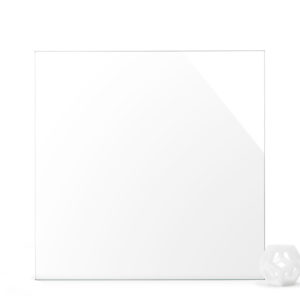
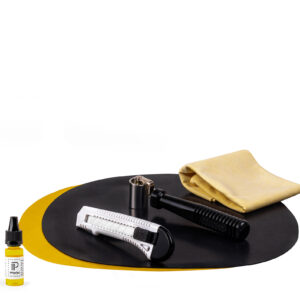
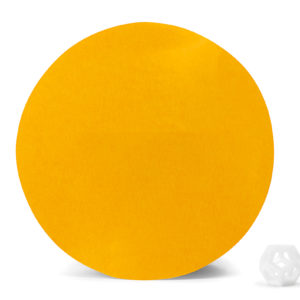
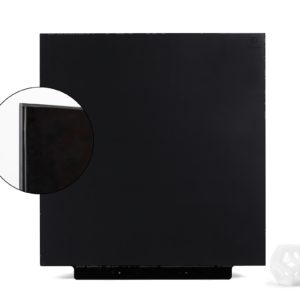
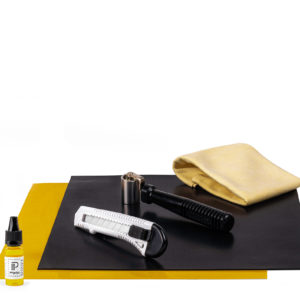
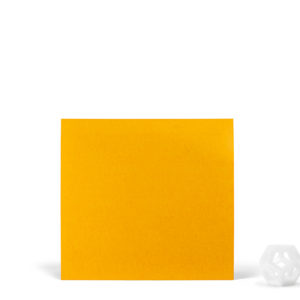
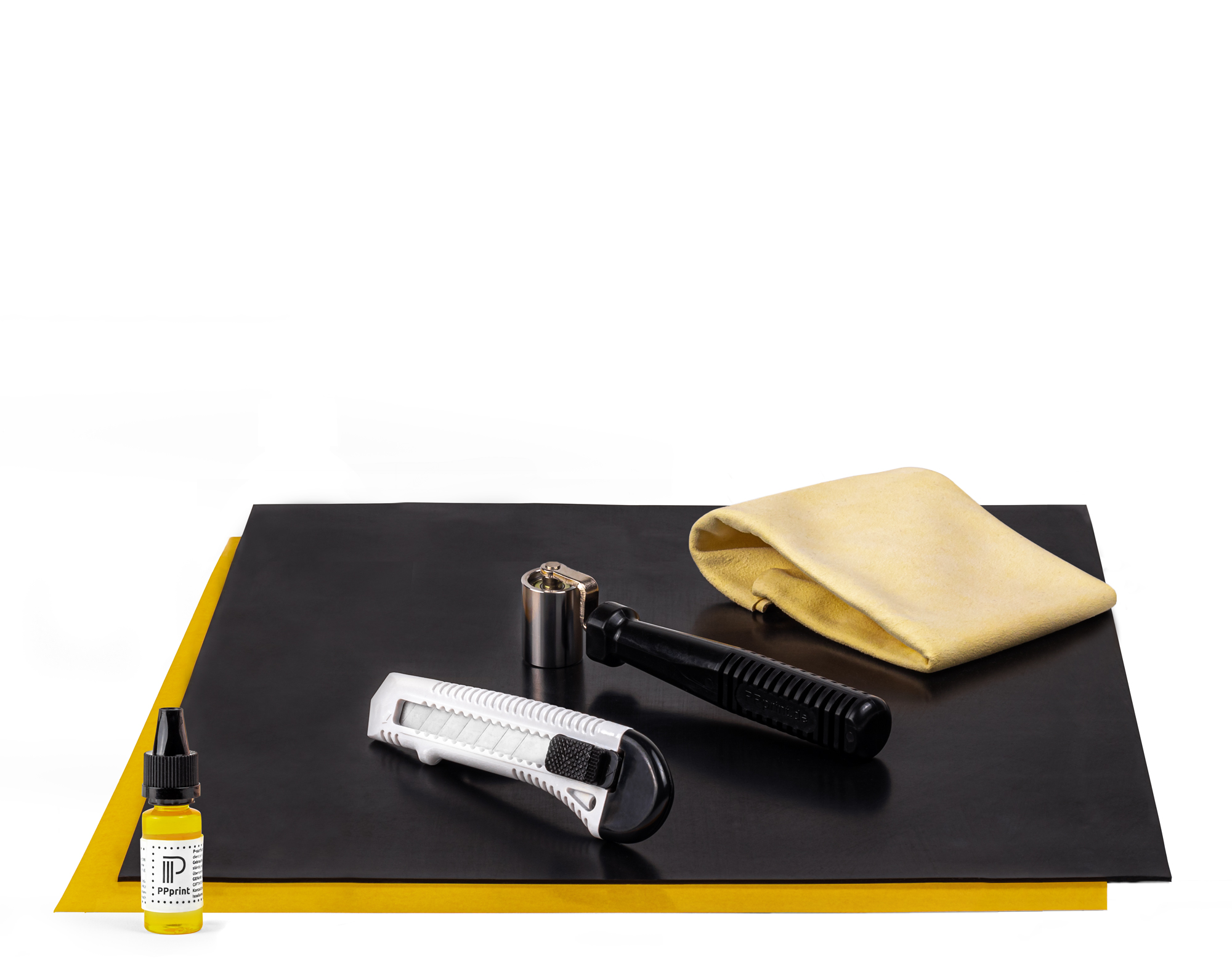
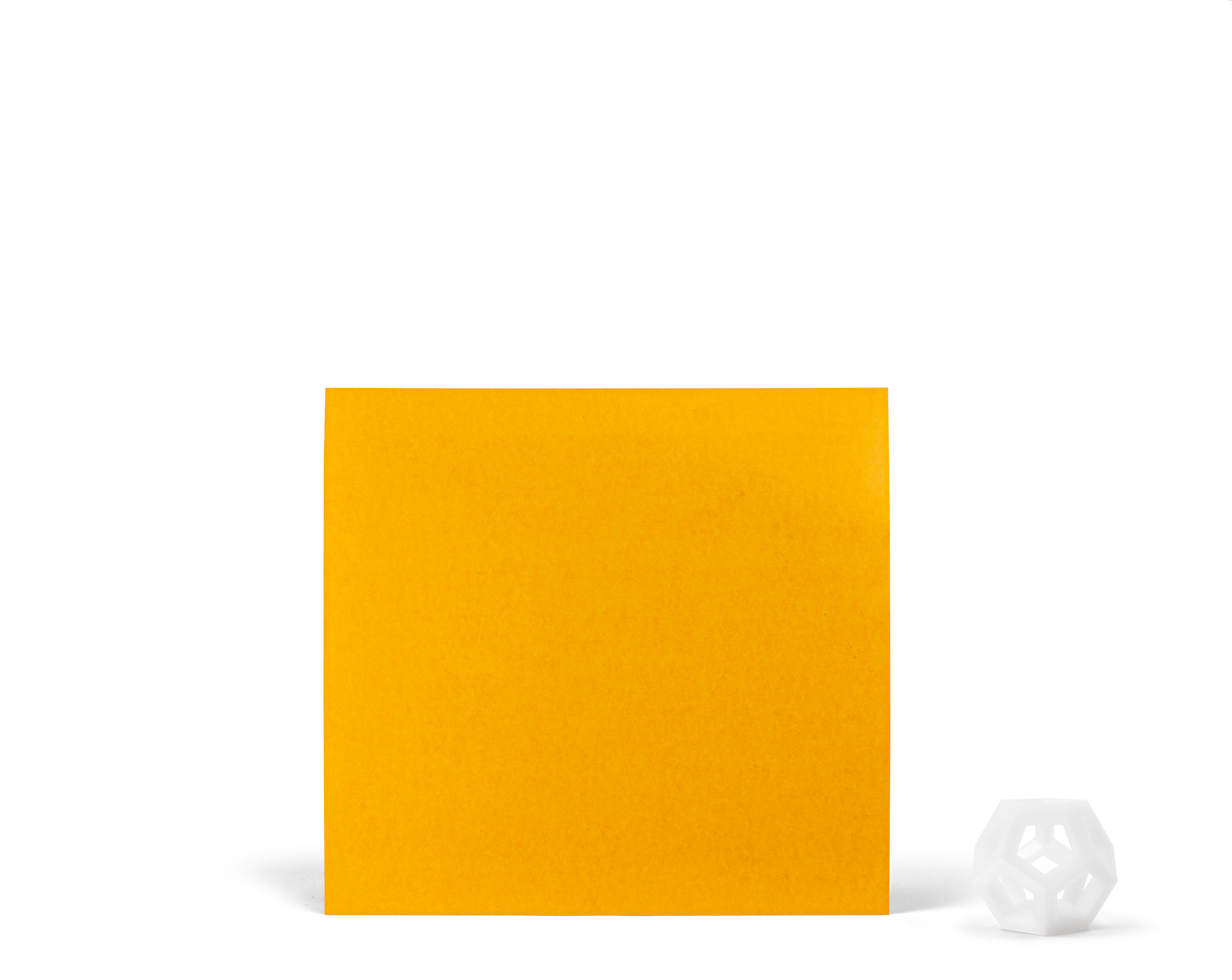
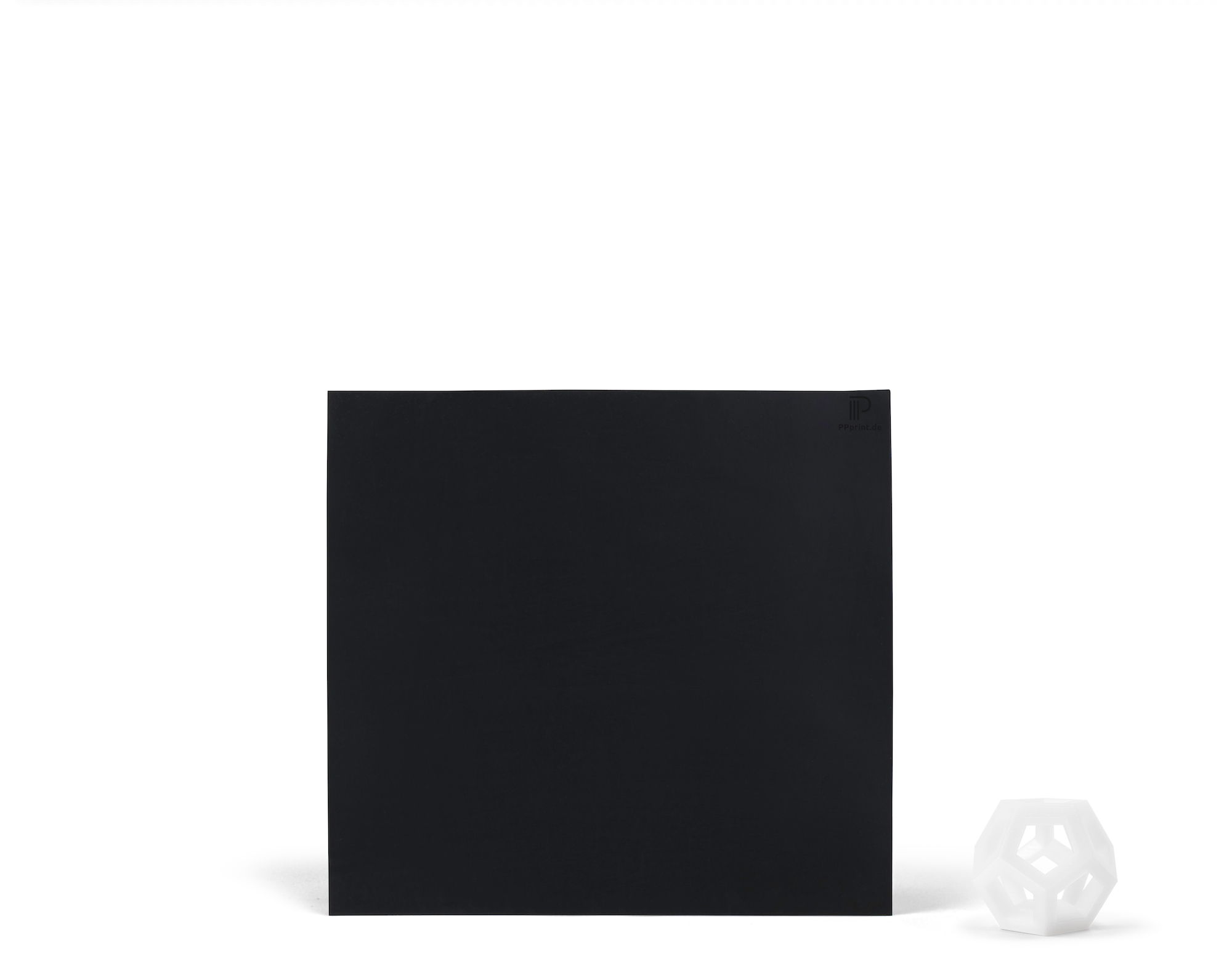
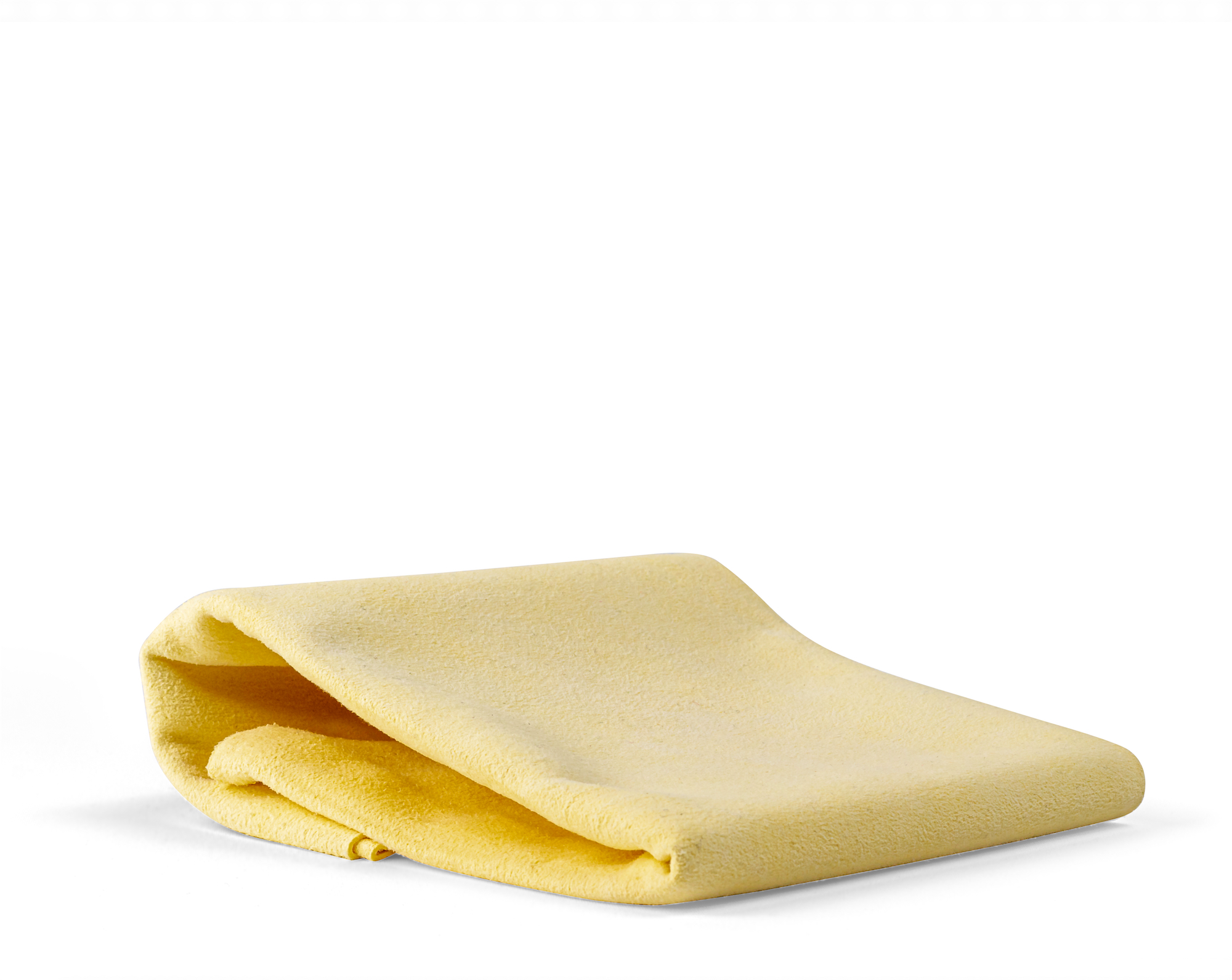
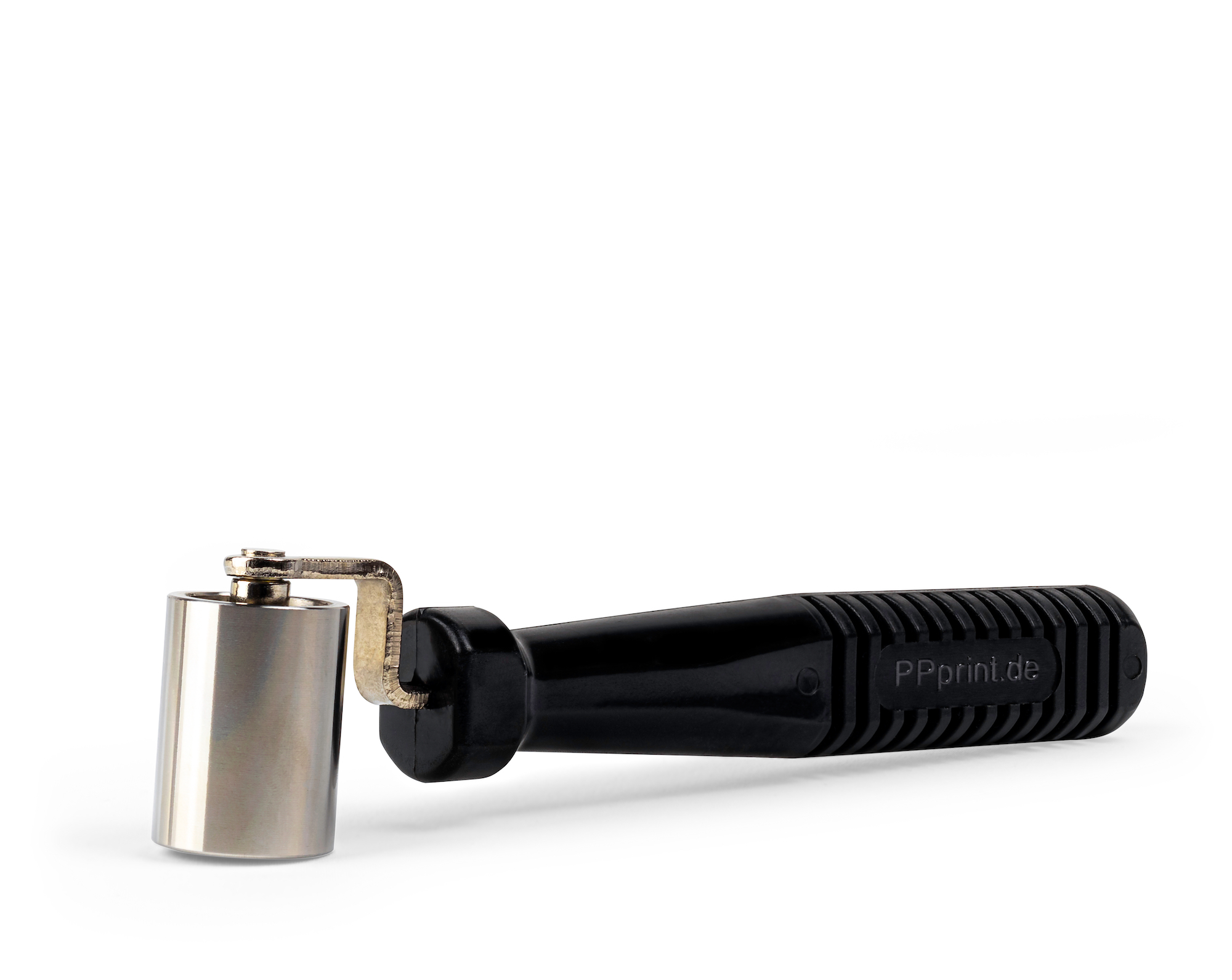
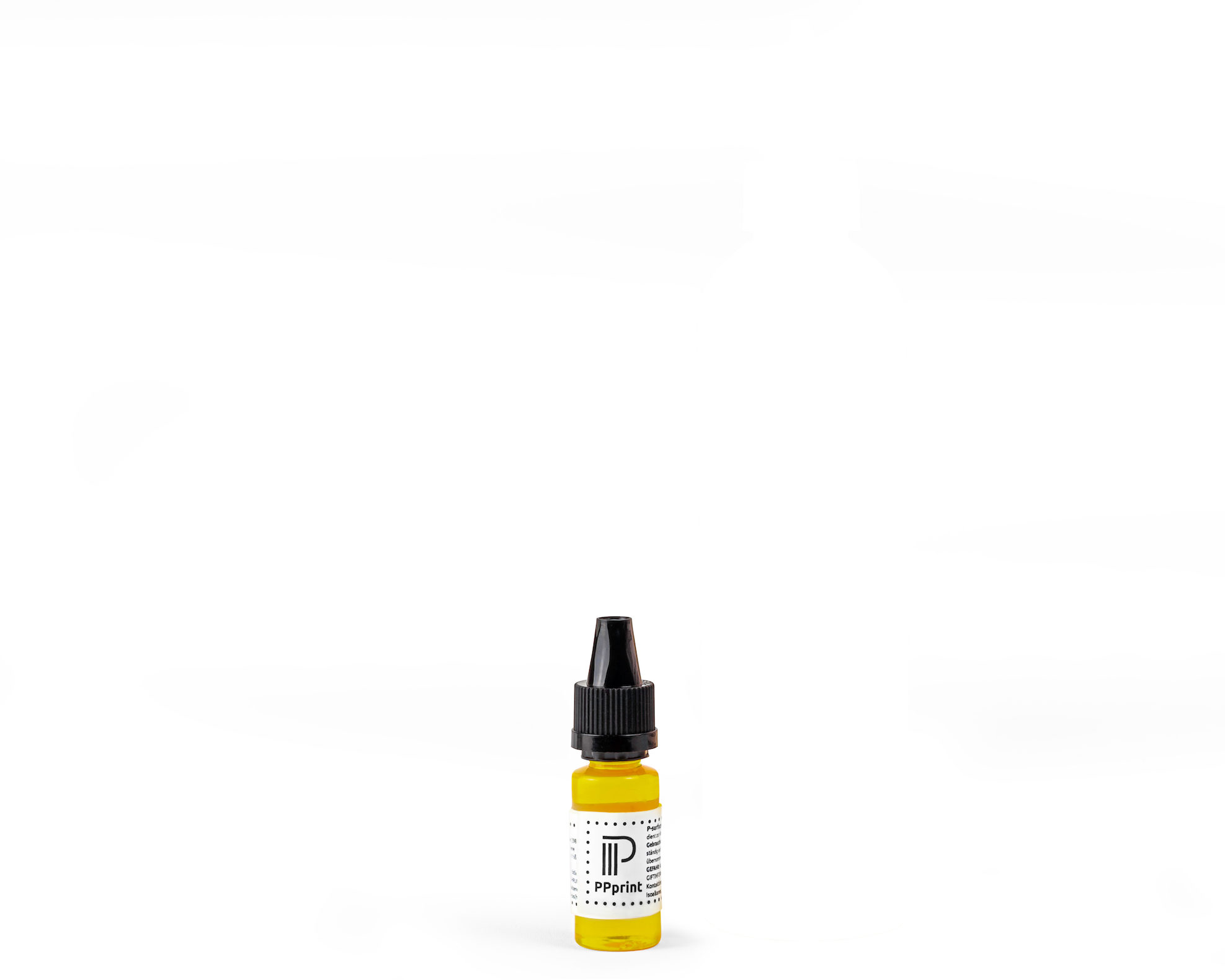
The ‘PPprint Printing-Kit for Raise3D Pro3’ was specifically tailored to the Bambu Lab H2D and includes everything you need for successful and reliable extrusion-based 3D printing with the polypropylene filament ‘P-filament 721’. The included printing surface ‘P-surface 141’ guarantees optimized adhesion of the PP component during 3D printing and allows easy and non-destructive removal of the components after completion. The double-sided adhesive film ‘P-adhesive 220’ is used to fix the ‘P-surface 141’ in the 3D printer. The hand roller ‘P-roller 621’ makes it easier to apply the print run. In addition, ‘P-wipe 515’ and ‘P-cleaner 308’ can be used to advantage for cleaning and maintaining the ‘P-surface 141’ and thus have a positive effect on the service life of the ‘P-surface 141’.
For more information about the individual components of the ‘PPprint Printing-Kit for Bambu Lab H2D’, please refer to the descriptions of the individual products.
Products of the ‘PPprint Printing-Kit for Bambu Lab H2D’:
– P-surface 141 (350mm x 320mm)
– P-adhesive 220 (350 mm x 320 mm)
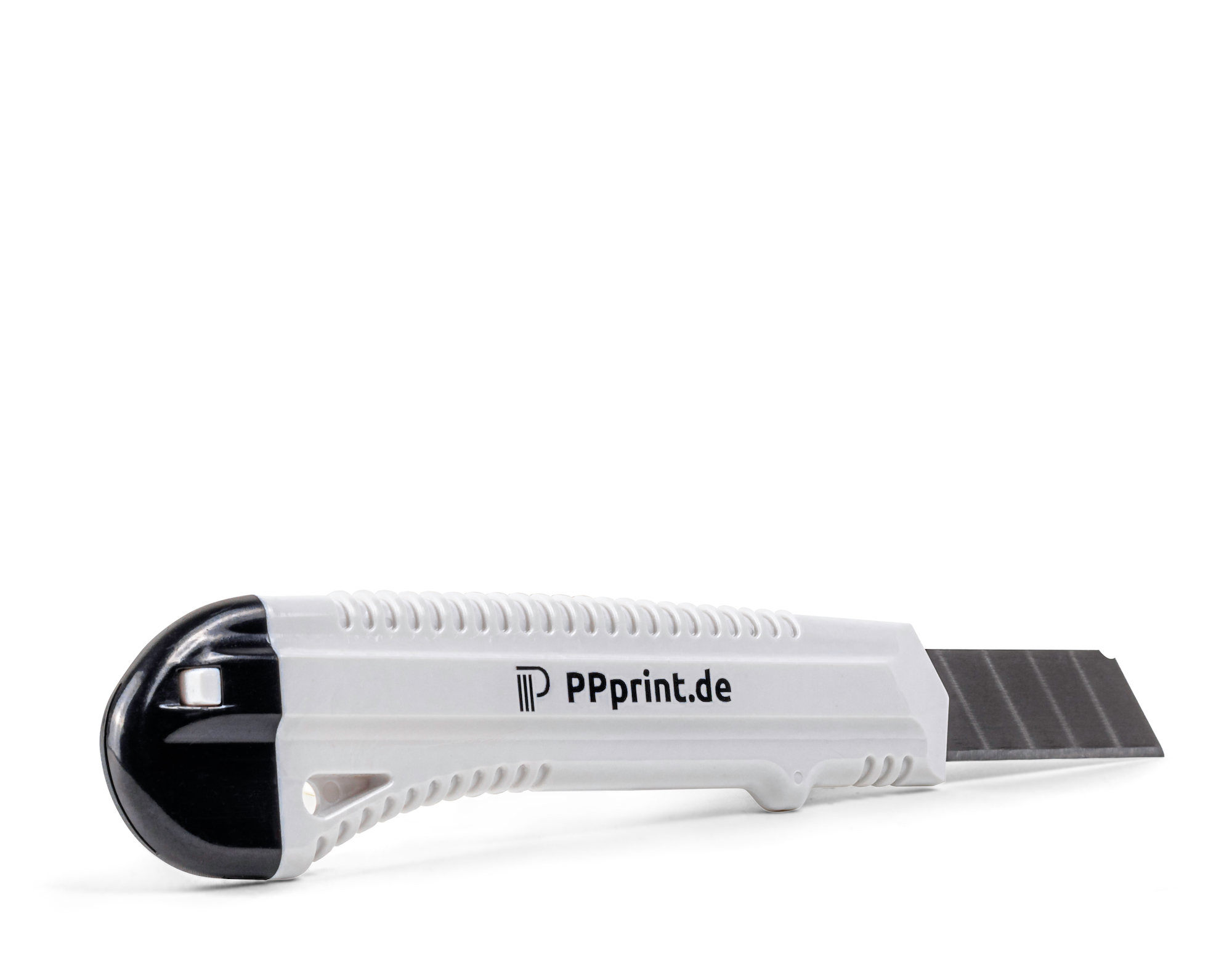
– P-cutter
Instructions for applying the ‘P-surface 141’
Bambu Lab H2D: Printing with PPprint products
General Information:
When 3D printing with PP and our P-surface 141, we recommend that bed leveling be performed locally on the H2D printer in calibration mode before printing. It is sufficient to perform “Automatic Bed Calibration” and “Nozzle Offset Calibration.” The calibration data determined are always stored internally in the printer, so calibration does not need to be performed again before each print, unless the printer plate has changed. Therefore, when starting the next prints in the Bambulab Studio software, set the “Automatic Bed Calibration” and “Nozzle Offset Calibration” options to “off.”
Preconfigured filament profiles for P-filament 721 basic, P-support 279, P-TPO 835 flex, and a tailored printing process profile can be requested by email at: contact@ppprint.de
3D printing using P-filament 721:
If printing with only one extruder, e.g., P-filament 721, printing is usually successful if you set the “Automatic Bed Leveling to “off” or perform it at a maximum bed temperature of 50°C.
Preconfigured filament profile for P-filament 721 basic and a tailored printing process profile can be requested by email at: contact@ppprint.de
3D printing using both extruders:
If both extruders are required for 3D printing, the small metal plate supplied must be attached to the front left of P-surface 141. Typically, the metal plate is already pre-installed when you purchase our P-surface 141 products. The metal plate is simply placed on top and sticks firmly in place due to the self-adhesive properties of P-surface 141 when pressed lightly. It can of course be removed, but should remain in place as long as it does not interfere with printing. It does not interfere with the cleaning of P-surface 141 or with automatic calibration and can therefore remain there during single-nozzle printing.
The small metal plate is required for correct and reproducible z-offset calibration of the two nozzles.
With the small metal plate installed, dual-nozzle printing works reliably.
3D printing using P-TPO 835 flex:
Like most TPU filaments, P-TPO 835 flex cannot be operated via the AMS unit. To print with P-TPO 835 flex, it must also be connected via the external spool on the right extruder, and P-TPO 835 flex should be fed directly into the printer via the side feed.
P-support 279 or an AMS unit with P-filament 721 (various colors) or P-filament Carbon 411 can be connected to the left extruder.
Preconfigured filament profile for P-TPO 835 flex and a tailored printing process profile can be requested by email at: contact@ppprint.de
Cleaning and maintenance of the ‘P-surface 141‘: Before first use, wash out the ‘P-wipe 515’ thoroughly with lukewarm water. Shake ‘P-cleaner 308’ thoroughly before use. To clean the ‘P-surface 141’, apply enough ‘P-cleaner 308’ so that the entire surface is evenly covered with a paper towel after spreading. After a short soaking time of approx. 1 minute, the ‘P-cleaner 308’ can be completely removed with the paper towel. Finally, the ‘P-surface 141’ should be wiped off with the moistened ‘P-wipe 515’. After use, wash out the ‘P-wipe 515’ in clear water, wring out carefully and then pull into shape. Do not dry the ‘P-wipe 515’ in the sun or on radiators.
Security alert:
May cause burns if swallowed and if it enters the airways. May cause skin irritation. May cause eye irritation. Keep out of the reach of children. Wear protective gloves/eye protection IF SWALLOWED: Call a POISON CENTER/doctor/first aid if you feel unwell. IF ON SKIN TOUCH: Wash with plenty of soap/water. IF IN EYES: Rinse cautiously with water for several minutes. Remove any contact lenses if possible. Continue rinsing. If eye irritation persists, seek medical advice/attention. Dispose of the contents/container in accordance with local regulations. Contains: Ethanol, alkyl glycosides (C8-C10), N,N-dimethyl-9-decenamide.
To the best of our knowledge, this product does not present any special hazard when handled in accordance with good occupational hygiene and safety practices for the cleaning and maintenance of ‘P-surface 141‘
Labeling according to Regulation (EC) No 1272/2008 [CLP] is not applicable.
Sicherheits-Datenblatt
EAN Nummer: 0049364177089